.png)


Best Access Control System for Small Business

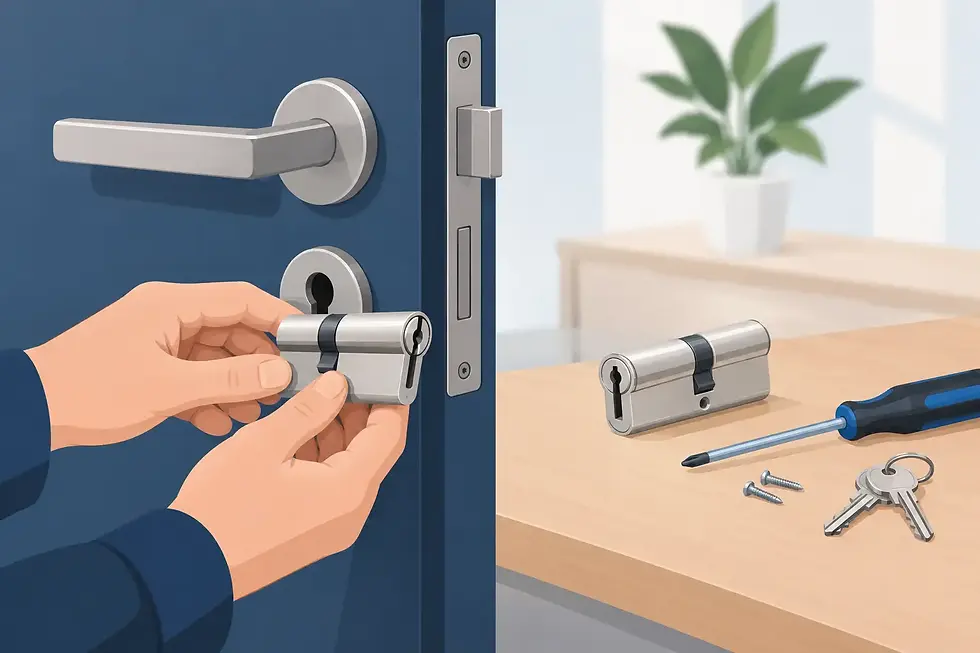
A lost key should not force you to rekey half the building. Yet that is still how many small businesses realize their security setup has outgrown standard locks. If you are trying to find the best access control system for small business use, the right answer is usually not the most advanced system on the market. It is the one that fits your building, your staff, your hours, and your risk level.
For a small office, retail store, clinic, warehouse, or mixed-use property, access control is really about control in the practical sense. Who can enter, when can they enter, and how quickly can you change permissions when something changes? That might mean an employee leaves, a cleaner needs after-hours entry, or you want to stop sharing a back-door code that everyone seems to know.
What makes the best access control system for small business
Small businesses usually do not need a complicated enterprise platform with layers of features they will never use. They need a system that is dependable, easy to manage, and sized correctly for the property. The best setup gives you stronger security than traditional keys without creating daily friction for staff or customers.
A good system should let you assign access by person, schedule, and door. It should also make changes easy. If a manager loses a credential, you should be able to deactivate it without replacing hardware across the site. That is one of the biggest advantages over conventional keys.
Reliability matters just as much as features. A front office door that will not release, or a reader that works inconsistently during busy hours, creates real business problems. In most small business environments, simple and stable is better than feature-heavy and finicky.
The main types of access control systems
Most small businesses are choosing from a few common options, and each has clear strengths.
Keycard and fob systems
These are still one of the most practical choices for small businesses. Employees tap a card or fob at the reader, and access is granted based on the permissions you assign. They are familiar, quick to use, and a strong upgrade from metal keys.
The trade-off is credential management. Cards and fobs can still be lost, shared, or forgotten. The upside is that replacing a credential is much easier and less expensive than rekeying locks throughout a building.
Keypad systems
Keypads work well for low-traffic areas, employee-only doors, and businesses that want a lower entry cost. They are simple and can be effective, especially when paired with schedules or separate user codes.
The weakness is also obvious. Codes get shared. If several employees know the same code, you lose accountability. For a stockroom or secondary entrance, a keypad may be fine. For your primary perimeter doors, many businesses want something more controlled.
Mobile credential systems
These systems let employees use a smartphone instead of a card or key fob. For businesses with smaller teams, mobile access can reduce the hassle of issuing physical credentials and can be convenient for managers who need to approve or change access remotely.
The trade-off is user behavior. Not every employee wants to use a personal phone for work access, and phone-related issues can become part of your security routine. Dead battery, app problems, and onboarding questions are all manageable, but they should be part of the decision.
Cloud-based access control
Cloud-managed systems are increasingly popular because they let owners and managers control doors, users, and schedules without being on site. For businesses with multiple locations, irregular staffing, or the need for quick changes, this can be a major advantage.
That said, cloud access control is not automatically the best fit for every site. Some smaller businesses prefer a more localized system with straightforward programming and less dependence on remote dashboards. It depends on how often you need to make changes and who will manage the system.
How to choose the right system for your building
The best access control system for small business properties depends first on the doors, not the software. The physical opening matters. A narrow aluminum storefront door, a glass entry, a hollow metal rear door, and an interior office door do not all take the same hardware.
This is where many businesses make an expensive mistake. They shop features first and hardware second. In reality, the lock, strike, door condition, power requirements, and traffic flow all shape what will work reliably. If your front entrance sees constant daily use, the hardware needs to support that without premature wear.
Think next about who needs access and how often that changes. A business with three long-term employees has a different need than one with shift workers, contractors, or seasonal staff. If turnover is frequent, easier credential management becomes much more valuable.
Hours matter too. If your business operates on a fixed schedule, timed unlock and lock features can save staff time and reduce the chance that someone forgets to secure a door. If staff come and go outside standard hours, you need permissions that can flex without weakening security.
Cost matters, but so does the cost of the wrong system
Small business owners are right to ask about budget. Access control pricing can vary widely based on door count, hardware, wiring, credential type, and whether the system is standalone or networked.
But installation cost is only part of the picture. The wrong system can cost more over time if it is hard to manage, needs frequent service, or has to be replaced early because it cannot scale. A cheaper keypad on the wrong door may save money up front and create problems for years.
It is smarter to think in terms of total value. If a system lets you avoid repeated rekeying, improve staff accountability, and manage access changes quickly, it often pays for itself in convenience and reduced risk. For many small businesses, that practical value is what justifies the upgrade.
Features worth paying for and features you may not need
Audit trails are often worth having. Knowing who accessed a door and when can help with internal security, opening disputes, and after-hours monitoring. For clinics, offices, and businesses with inventory or sensitive records, that visibility matters.
Remote management can also be worth paying for if you are not always on site. Being able to add or remove users, adjust schedules, or check door activity without driving to the property is useful for owners and property managers.
By contrast, some advanced integrations may be unnecessary for a single-site small business. If your building has one main entry and one staff door, you may not need a large enterprise platform with every possible automation feature. Buying only what you will actually use is usually the better move.
Common mistakes small businesses make
One common mistake is trying to solve every security issue with access control alone. Access control works best when the doors, frames, closers, and locking hardware are in good shape. If the door does not latch properly or the frame is damaged, electronic access will not fix the underlying problem.
Another mistake is using the same level of control on every door. Not every opening needs the same treatment. Your front entrance, rear service door, office interior, and storage room may each call for different hardware and credential rules.
Some businesses also underestimate training. Even simple systems work better when staff know what to do with lost credentials, propped doors, schedule changes, and visitor access. A clear process prevents small problems from turning into security gaps.
When a hybrid setup is the best answer
For many properties, the best answer is not one single method across every opening. A hybrid setup often makes the most sense. You might use card or mobile access at main employee entrances, a keypad on a low-risk utility room, and mechanical hardware with restricted keys for certain secondary spaces.
That balanced approach keeps costs under control while improving overall security. It also lets you upgrade in phases instead of replacing everything at once. For a growing business, that can be the most practical path.
An experienced locksmith and security provider can help match the electronic system to the real-world condition of the doors and building. That matters because good access control is never just about software. It is about dependable entry, secure locking, and hardware that fits how the property is actually used.
So what is the best choice?
If you want a short answer, the best access control system for small business use is usually a scalable card, fob, or mobile-based system with reliable commercial-grade hardware and simple user management. For one site with a small team, that often gives the best balance of security, convenience, and cost.
If your business has frequent staffing changes, multiple doors, or an owner who manages operations remotely, a cloud-managed option may be the better fit. If your needs are basic and limited to one or two lower-risk openings, a keypad may still be enough. The right choice depends less on trends and more on how your business actually operates day to day.
A good security upgrade should make your workday easier, not more complicated. When the system matches the building, the staff, and the level of risk, you notice it for the right reasons - fewer key problems, better control, and one less thing to worry about when you lock up for the night.